Our Mission
Our mission is to assist all University offices and programs with their records processes. We provide training and consultations about state and university policies regarding the retention and disposition (i.e., destruction) of official records through active education, including the application of best records practices across the campus. URM is responsible for providing secure services to ensure the proper retention and disposition of our public records in both paper and electronic format.
George Mason University public records serve as evidence of business conducted and as a means of transparency and accountability to our community and the citizens of Virginia. Following proper records management policies and procedures protects Mason against litigation, security breaches, and loss of vital information.
How Do I?

Store, Transfer, or Destroy Records
Securely manage your records throughout their lifecycle—whether storing them securely, transferring them to storage or University Archives, or ensuring they’re compliant and destroyed through the Records Center.

Submit Box or Records Requests
Easily submit a request for records boxes or schedule a pickup to keep your records organized, secure, and moving when you need them.

Records Coordinators
Access essential guidance, tools, and resources designed to help Records Coordinators manage records efficiently, securely, and in compliance.
Electronic Records & Email
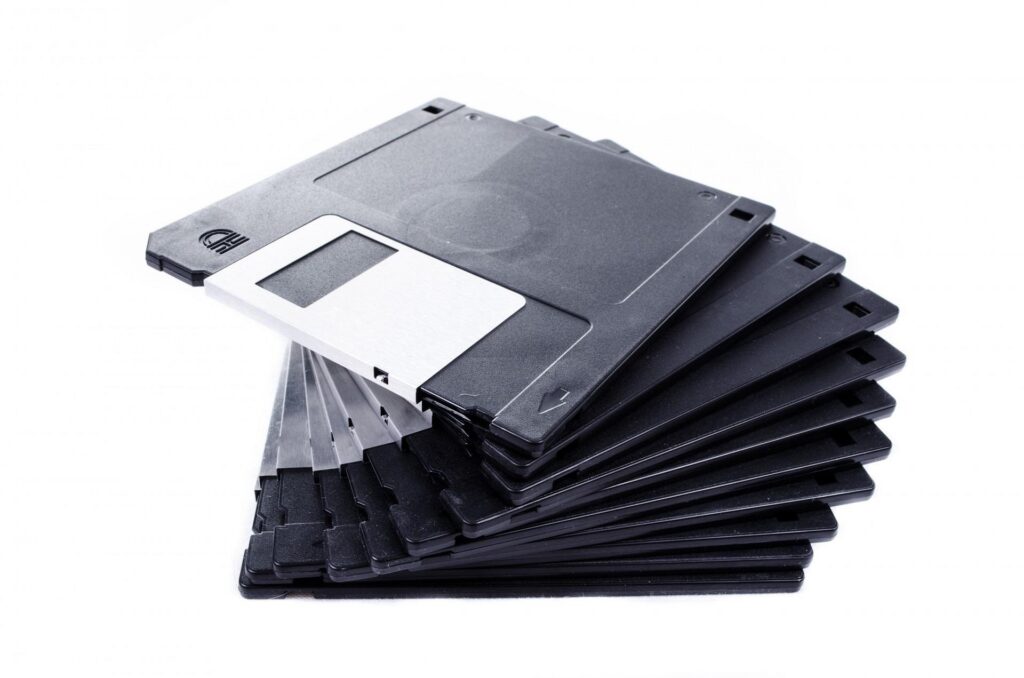
Effectively manage email and electronic records with guidance on retention, organization, security, and compliance.
Announcements
May 2026
We are happy to announce that updates to the University Records Management website have been completed! We appreciate your understanding during this process!
January 2026 Update
University Records Management has recently secured a contract with Vital Records Control for the storage of physical records that are still under retention. Please contact [email protected] for any storage requests.
At this time, we can only shred a maximum of 200 boxes with our shred vendor. As a result, we limit the number of boxes we accept for shredding from departments each month.
Our new shredding vendor destroys records directly from boxes, so totes/bins are no longer provided. If you need to shred a large number of records, please fill out our box request form.
Thank you for your patience!